Why Ready-Made ConnectWise Reports Never Quite Fit (and What to Do About It)
Overview
Almost every ConnectWise reporting product starts the same way: a gallery of ready-made reports, a demo that looks great, and a promise that you will be up and running in an afternoon. Then you open a commission report and realize there’s no way to adjust the calculations to your unique tiered performance accelerators. Or the time report flags every entry over eight hours, including the project engineer who legitimately bills ten. Or the one column your billing person actually looks at is not on the page.
Nothing is wrong with the report. It was built for the average MSP, and you are not the average MSP. In this post I’ll go over why ready-made reporting suites rarely fit, what the usual workarounds cost, and what we think a better model looks like: starting from a working report and shaping it to your business.
This is not about any one product. It applies to ConnectWise’s built-in reports, to dashboard tools like BrightGauge, and to Power BI based products with their own data warehouse like Cognition360. They are good at getting you started quickly. The trouble starts when your business does not match the gallery. Sometimes you can get a consultant to make a customization for you or get around a built-in limitation, but then you own a one-off version the vendor won’t support. With us, the customization is maintained as part of the report.
Why Ready-Made Reports Never Quite Fit
ConnectWise PSA is flexible, and MSPs use that flexibility differently. Two companies with the same product can have completely different answers to questions like these:
- What counts as a change? A 5% move on an agreement invoice is worth a look at one company and ordinary noise at another with a lot of usage-based billing.
- What is billable? Work types, board names, internal projects and “no charge” conventions are all set up by you, and a report that guesses at them will be wrong in ways that are hard to spot.
- Who needs to see it? The owner wants totals, the service manager wants their own queue, and the technician only needs their own numbers.
- What happens next? Some teams want to read a report. Others want to mark an item reviewed, push a value back to ConnectWise, or send the result to a spreadsheet or another tool.
A fixed report has to pick one answer for each of these. The vendor picks, and you adapt your process to the report instead of the other way around.
The Usual Workarounds
When a report does not fit, MSPs tend to end up in one of three places:
- Export and fix it in Excel. It works, once. Then it becomes a monthly chore that only one person knows how to do, which is the manual review the report was supposed to remove.
- Build it yourself. Power BI, SQL and Report Writer can get you exactly what you want, but somebody has to build it, and then maintain it when ConnectWise changes, when the person who built it leaves, or when a refresh quietly stops working.
- Live with the gaps. The report is 80% right, so the team mentally adjusts for the other 20%. Over time nobody trusts it, and a report nobody trusts does not get used.
The first two are real work, and the third is how reporting projects die. What is missing is an option in the middle.
Start From a Working Report, Then Shape It
The model we use at NexNow is simple. You start with a report that already works, with the data connected and the numbers checked, and then we change it to match how your business runs. That includes the stock reports. There is no point at which you hit the edge of what the product allows, because there is no product box to hit.
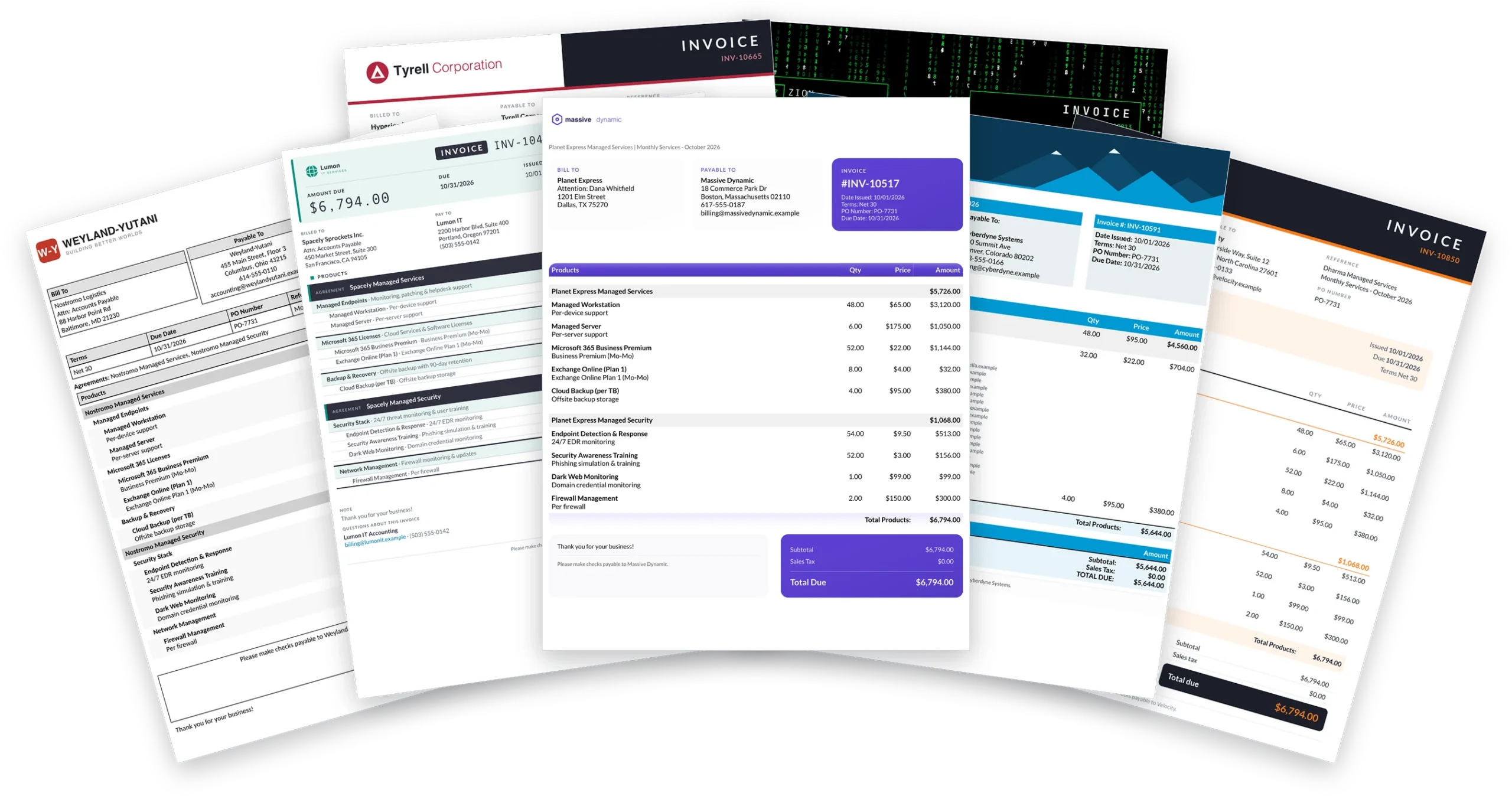
It is the same idea as our invoice templates. Not everyone wants the same layout, so every invoice we host is built around the client, from combined invoices, to outstanding invoice total display, to custom groupings. Reports deserve the same treatment, and the same people can do both.
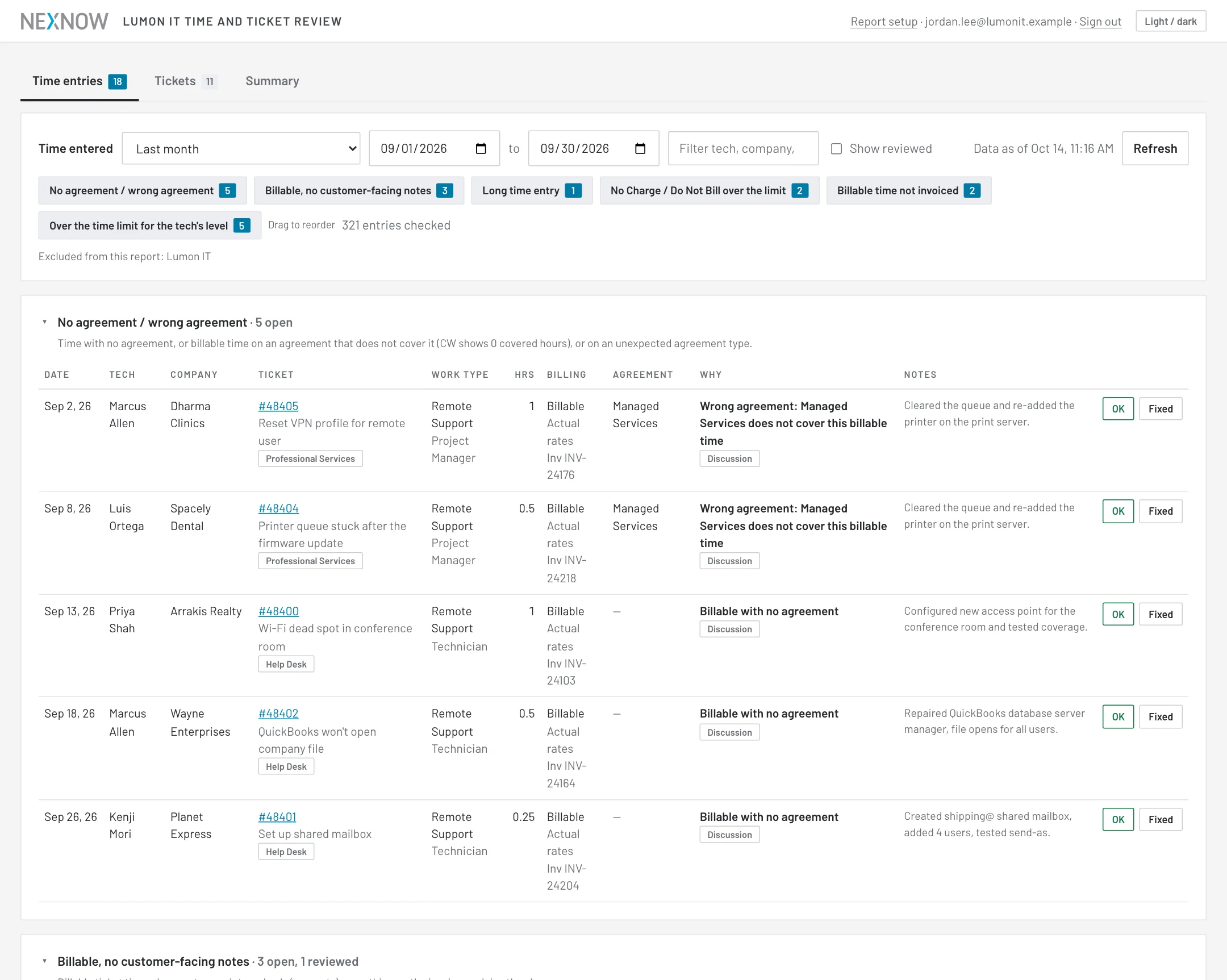
In practice, “customized” can mean a lot of different things. Some of these are common options you’ll find in other reporting tools, but missing on the one report where you need them. All of them only scratch the surface of what a customized NexNow report can do.
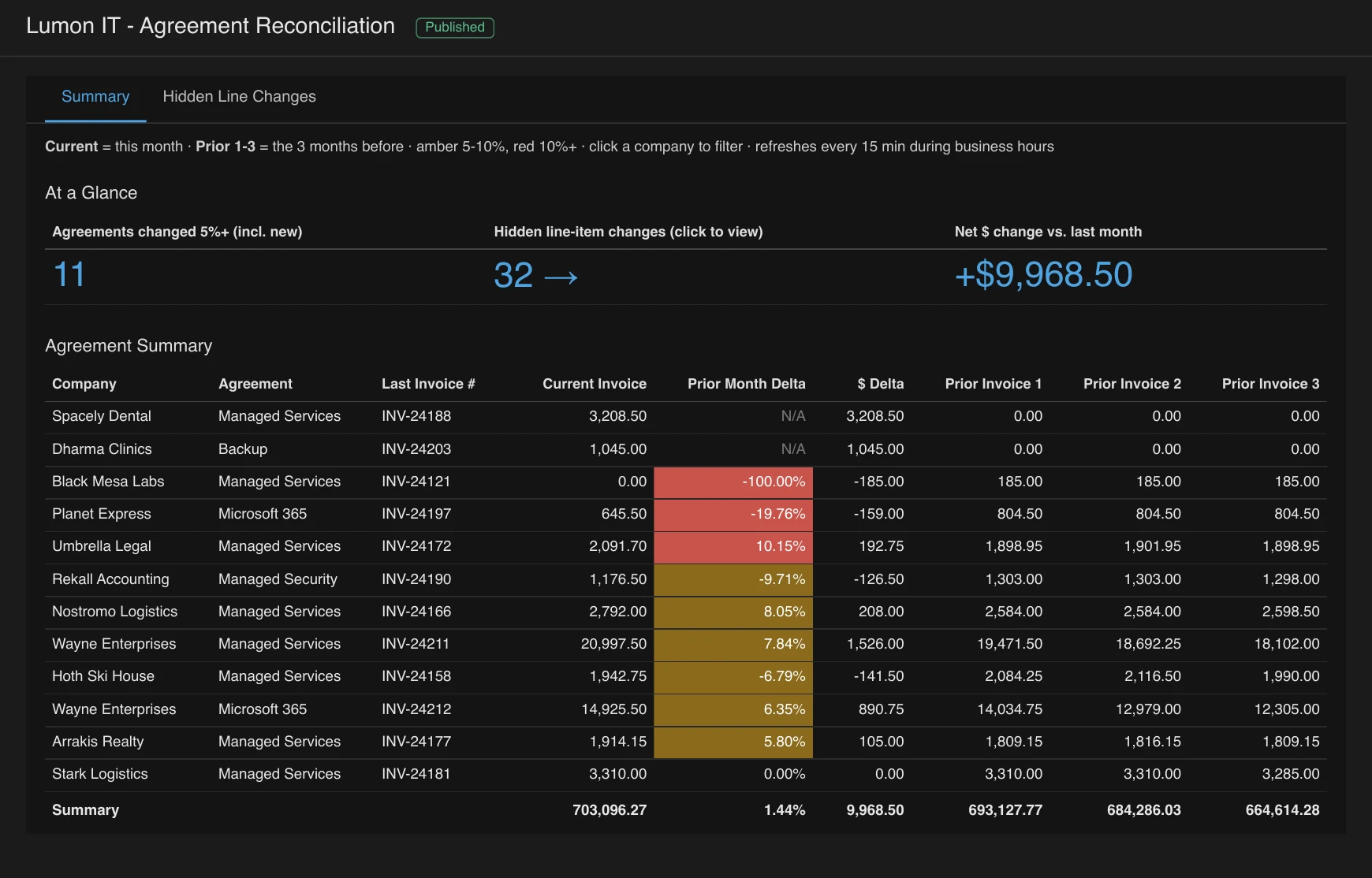
- Your thresholds. The percentage that turns an agreement amber or red, the number of hours that makes a time entry worth a look, and the days of notice that count as “expiring soon”.
- Your columns and layout. Show the fields your team uses, hide the ones they don’t, and add the ones that are specific to your setup, such as a custom field.
- Your rules. Which boards, work types, agreement types and companies are included, excluded or treated differently.
- Your audience. Different people get different reports, or different rows of the same report, and the right ones arrive by email to your team or your clients, or sit on a dashboard.
- Your next step. Mark an item reviewed and have it written back to ConnectWise, keep a SharePoint sheet up to date, or hand the data to the tools you already use.
- Data ConnectWise doesn’t have. Licenses from a distributor, phone system call counts, or anything else with an API, shown next to your ConnectWise numbers.
Where Product Meets Consulting
A pure product gives you speed and a ceiling. A pure consulting engagement gives you a perfect fit and a long invoice, plus a report that only works as long as someone maintains it. We think MSPs should not have to choose.
The reports start as a product: they exist, they are already running for other MSPs, and you can try several of them live before you decide anything. The consulting part is that we adapt them to you, check the numbers with you, and then host and monitor them so they keep working. When your business changes, the report changes with it.
That also changes what you are paying for. A custom build is a one-time fixed fee or hourly charge, and after that it is a small monthly amount to host and monitor. You are not renting a gallery of reports you will never open.
What This Looks Like Day to Day
Getting started is close to instant. We connect your ConnectWise data with a read-only API member (the steps are in the API member post), turn on the included reports and look at them with you using your own data. The first call usually surfaces the things that do not fit: a work type that should be excluded, a threshold that is too tight, a column somebody keeps asking about. Those become the first round of changes, and customizations typically take days, not weeks.
From there it is ongoing. If something new comes up, such as a new report, a new automation or a different audience, you ask for it the same way.
Is This for You?
If a ready-made suite already answers every question you have, keep it. This is for the MSPs that have tried one, and found themselves exporting to Excel, keeping a side spreadsheet, or ignoring a dashboard because it does not match how they work.
You can try the Agreement Reconciliation report live on demo data and the Ticket and Time Review demo to see where we start from. The NexNow Reports page has what is included and how pricing works, and if you would like to see your own data in a report that has been adapted to your business, book a reports demo.